Advanced Export
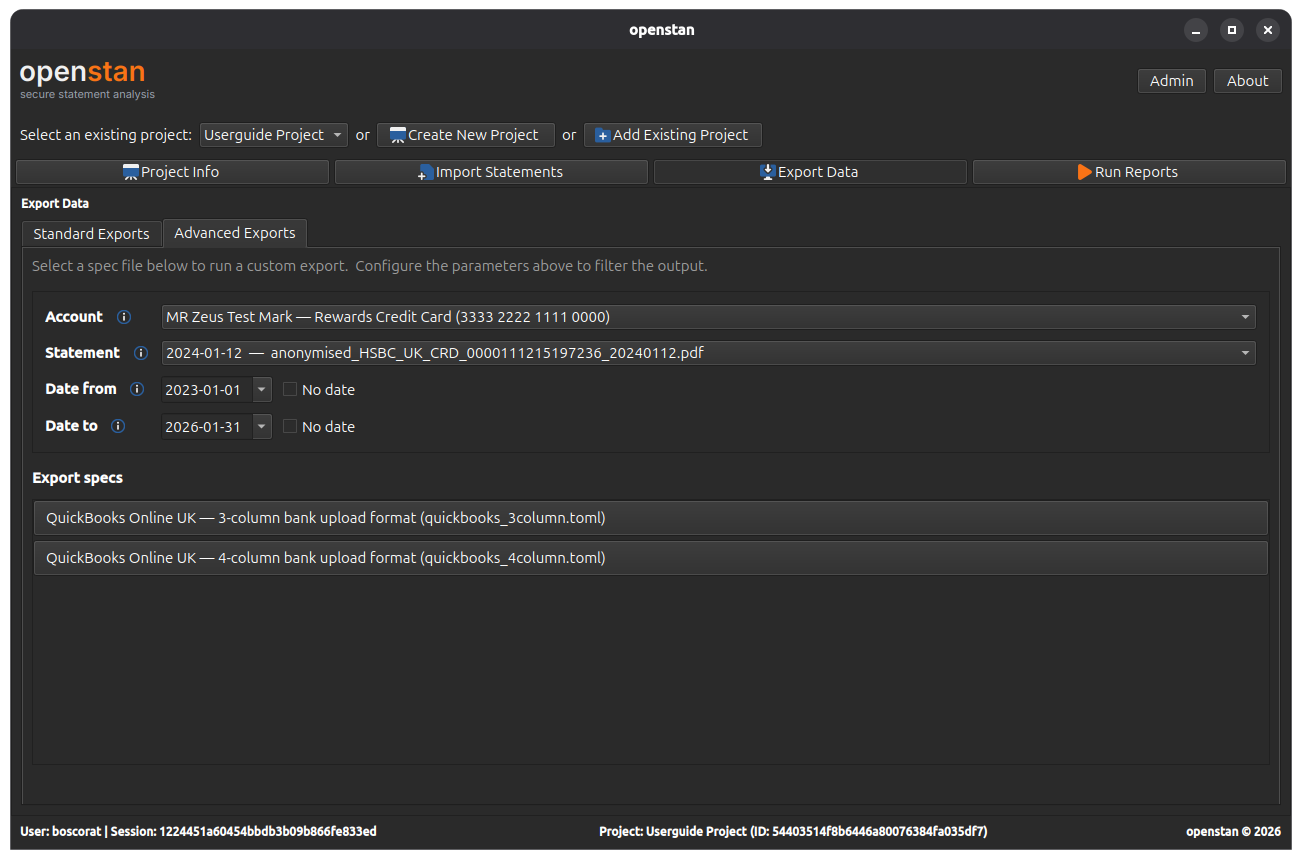
The Advanced Export tab lives inside the Export Data panel (Alt+E). It provides spec-driven custom exports where you control the account, statement, and date range, and the output format is defined by a TOML export spec file.
Parameters
Account
A drop-down listing all accounts in the project. The first option, \<all accounts>, runs the export across every account.
Statement
A drop-down that updates automatically when you change the Account selection. Lists all statements for the selected account, plus (all statements) as the first option.
Date from / Date to
Date range filters. By default, both are disabled (the All dates checkbox is ticked), meaning no date filtering is applied.
- Untick All dates to enable the date picker and set a specific start or end date.
- You can set one or both limits independently.
Export specs
The lower section of the panel lists the available export specs for the active project.
Each spec is a .toml file located in the project's config/export/ directory. For each spec found, a button is shown displaying:
- The spec's description (from inside the TOML file).
- The spec's filename in smaller text below.
Click a button to run that spec with the current parameter selections. A progress bar and status label show the export progress.
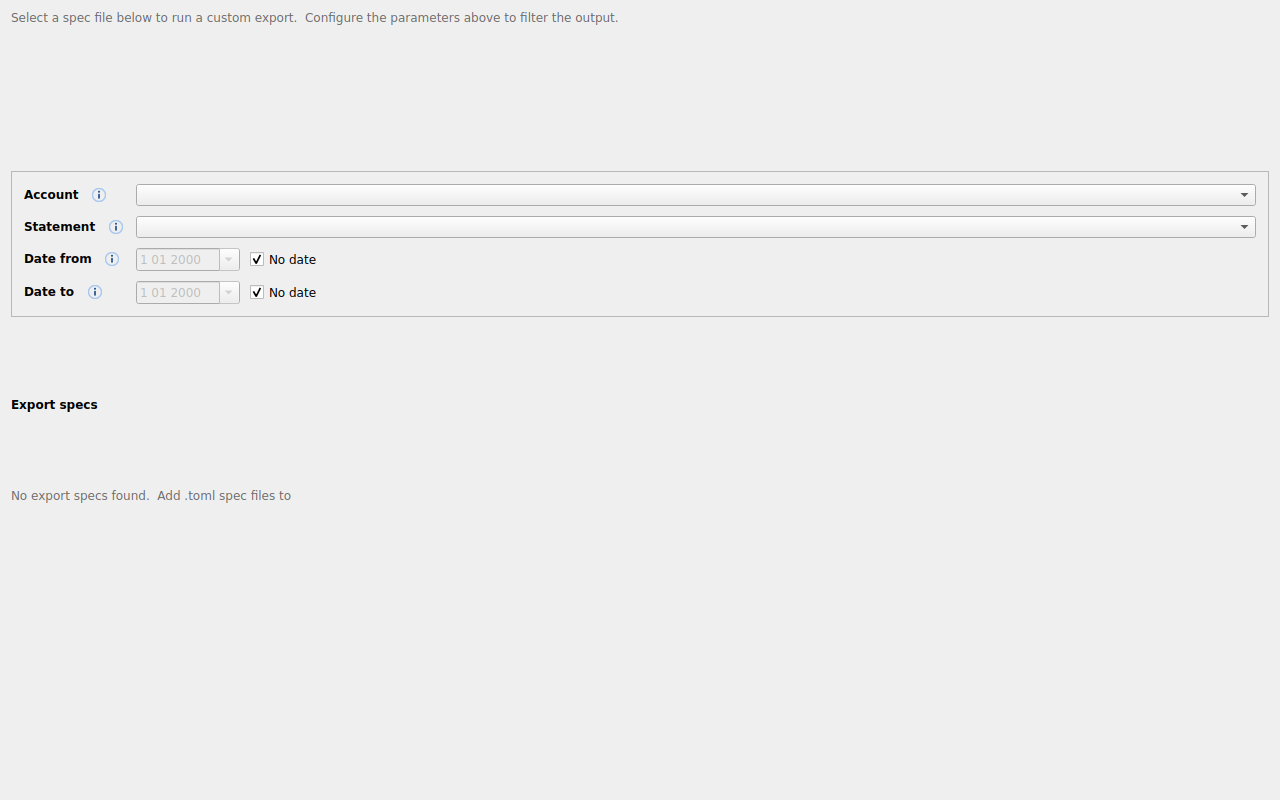
If the config/export/ directory contains no .toml files, the panel shows:
No export specs found
Creating and modifying export spec TOML files
Export specs are TOML configuration files that define the shape and content of a custom export. For a full guide to creating and editing these files, see the bank_statement_parser guide on adding a new bank.
Where to put spec files
Place your .toml export spec files in <project-folder>/config/export/. openstan rescans this directory each time you open the Export Data panel.